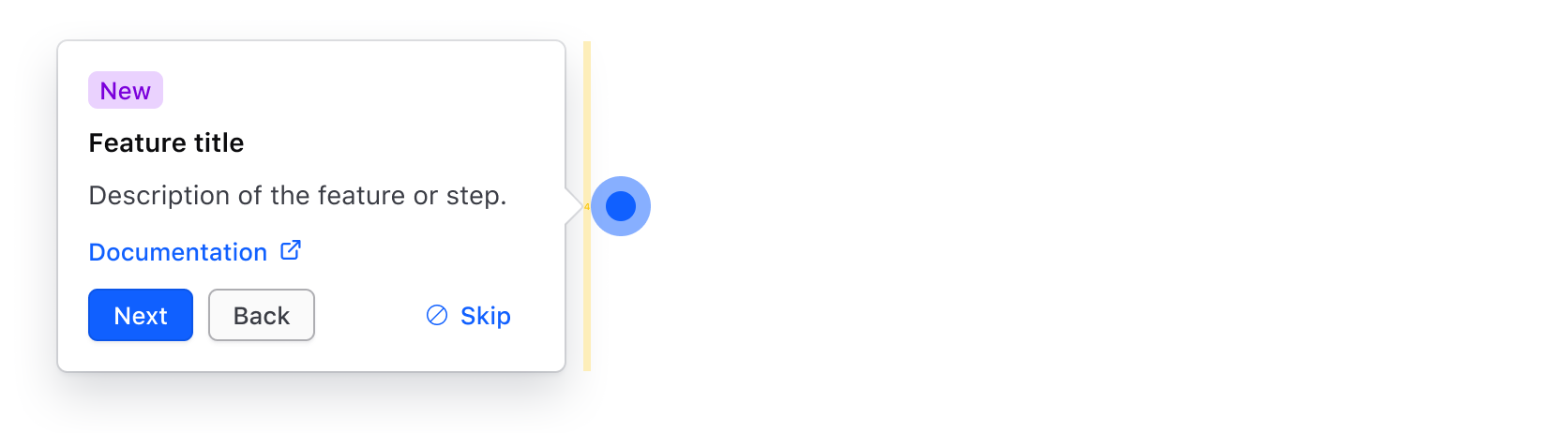
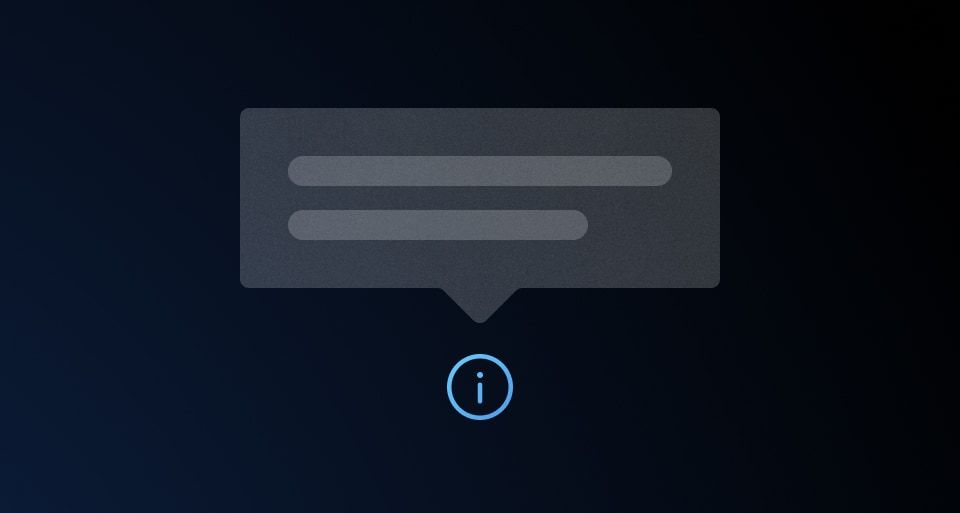
The new feature onboarding pattern provides a consistent way to onboard new users or announce updates to features—either new or existing. This pattern can function as a standalone step or be part of a multi-step sequence.
Beacon
A beacon can be used to highlight a new or updated feature, or draw attention to a specific part of the UI. It should be positioned adjacent to or slightly overlapping the UI element it is intended to highlight.
Clicking on the beacon should toggle a Rich Tooltip containing information about the feature.

Rich Tooltip
Use the Rich Tooltip to convey information about the new feature, support a multi-step flow, or link to additional documentation, release notes, or changelogs.
At a minimum, we recommend including text about the feature, but other common elements include:
- Title: to display the name of the feature
- Badge: to communicate the status of the new feature; e.g., "Alpha", "Beta", "New", "Updated".
- Actions: use one or more Buttons to navigate a multi-step onboarding flow.
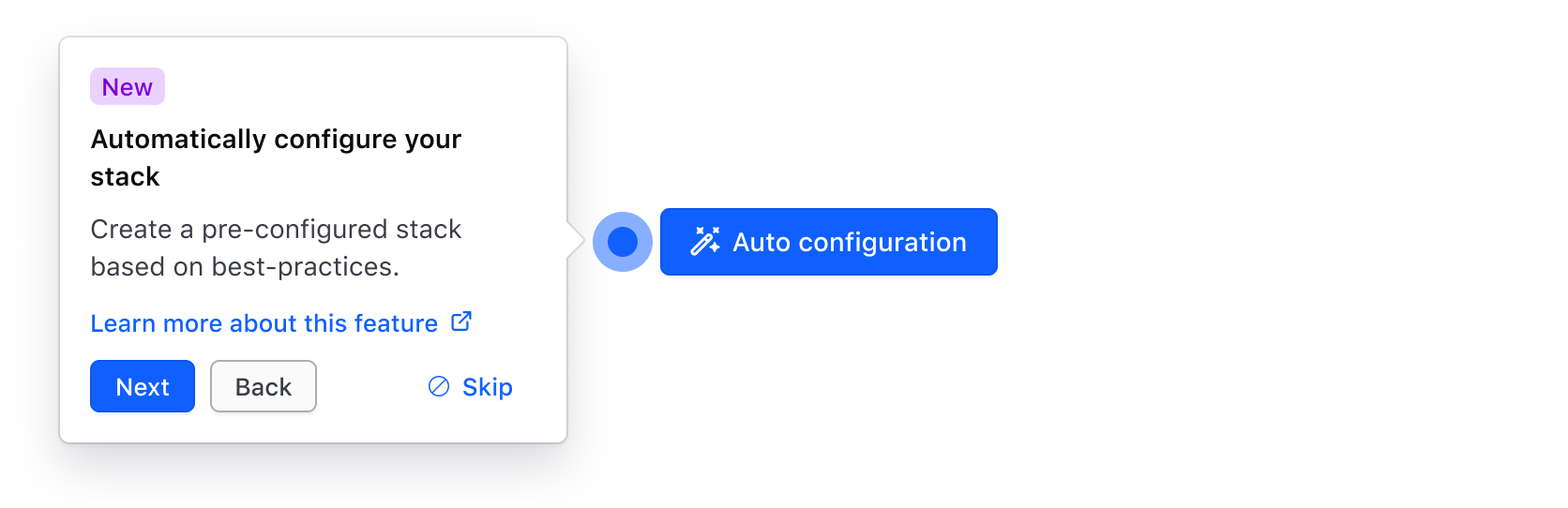
Persistence and display
Highlighting new features is important, but it can be intrusive or disruptive to users' workflows. Onboarding-focused components should balance feature visibility with user autonomy by following these behavior patterns:
- Initial display: Position the beacon adjacent to a new feature the first time a user encounters it. Don't open the onboarding tooltip by default, as this can be intrusive and disrupt the user's focus.
- Dismissal: Provide the user with a way to dismiss the onboarding tooltip, regardless of whether the experience is a single-step or multi-step flow.
- State tracking and visibility: Track whether the user has seen or interacted with onboarding materials by saving the state to
localStorageor user preferences. Don't display the beacon or onboarding elements again after a user has interacted with or dismissed them.
Multi-step sequences
For more complex features, or if the feature touches multiple parts of the UI, consider breaking the experience into steps. This highlights the entry point of a new or updated feature and also allows for subsequent key aspects of the feature to be highlighted along the critical user journey (CUJ).
Use Button components labelled "Next", "Back", and "Cancel" for users to navigate through a multi-step onboarding sequence.
Highlight the first step with a Beacon then move the Beacon and open RichTooltip to draw the user's attention through each step in the sequence. Repeat the pattern until all steps are completed or the user opts out of the flow.
Anatomy
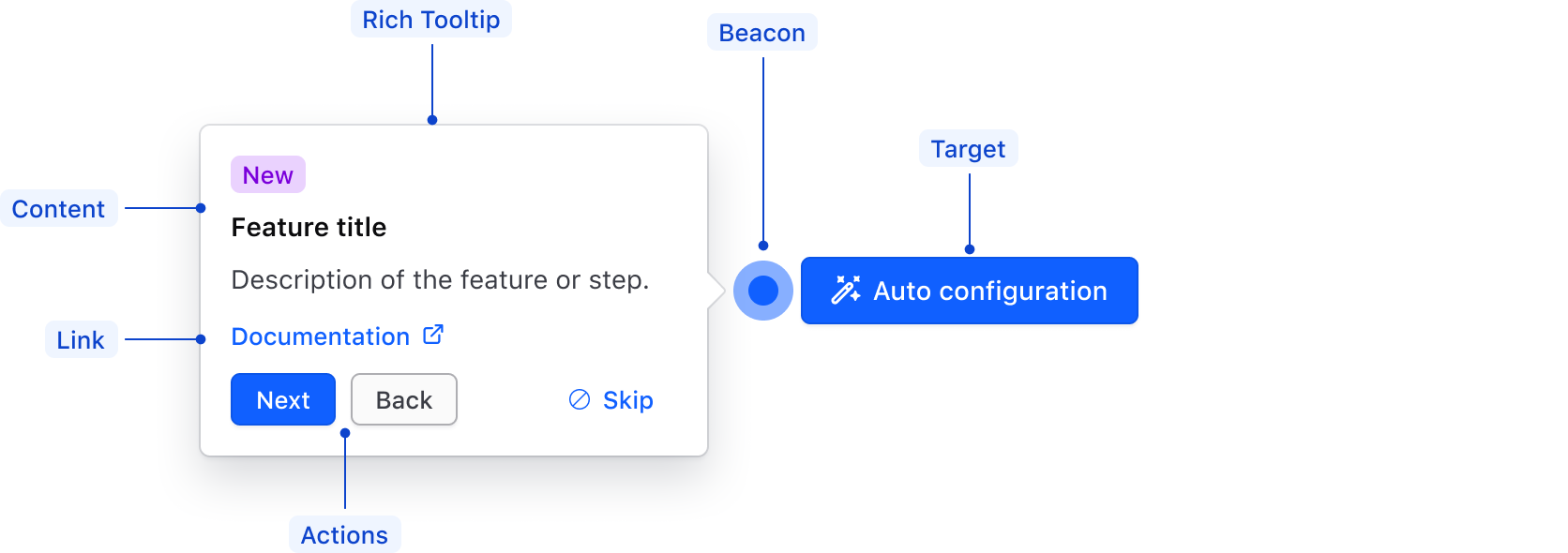
| Element | Usage |
|---|---|
| Beacon | Highlights the new feature and anchors the onboarding experience. |
| Rich Tooltip | Contains contextual onboarding information. |
| Content | Explains the value or purpose of the feature within the flow using structured content. |
| Target | The feature introduced by the pattern. |
| Actions | Allows navigation within a multi-step onboarding sequence. |
| Link | Directs the user to relevant documentation or supporting resources. |
Spacing
When toggled open, the onboarding Rich Tooltip should be positioned adjacent (either top, bottom, left, or right) to the beacon with a gap of 4px.