Aligning with IBM's design language
As HashiCorp products integrate into the IBM ecosystem, adopting a shared design language ensures a seamless, familiar experience for users—no matter where they are in that ecosystem.
What this means for Helios
Helios is migrating to IBM's design language by aligning with the Carbon Design System, the foundation of IBM's product ecosystem. Because HDS remains foundational to HashiCorp products, Helios is not going away.
Instead of starting from scratch, we are shifting to a local system model. Helios remains the official design system for HashiCorp products, but it is now built on IBM's design language. Your products will look and feel like IBM products while running on the same technology stack.
In practical terms:
- Foundations such as colors, typography, spacing, and icons match IBM's design language.
- HDS components receive visual updates to reflect these foundational changes.
- Component APIs and behavior stay the same because this is a visual update, not an architectural one.
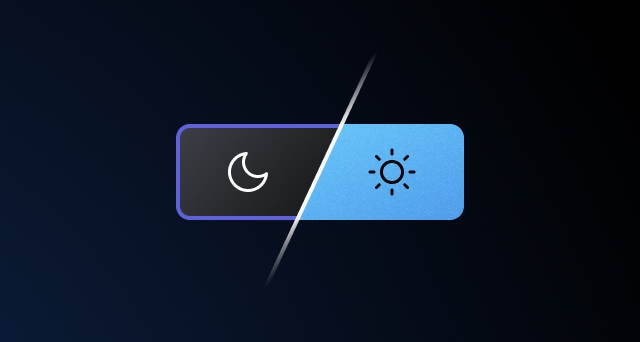
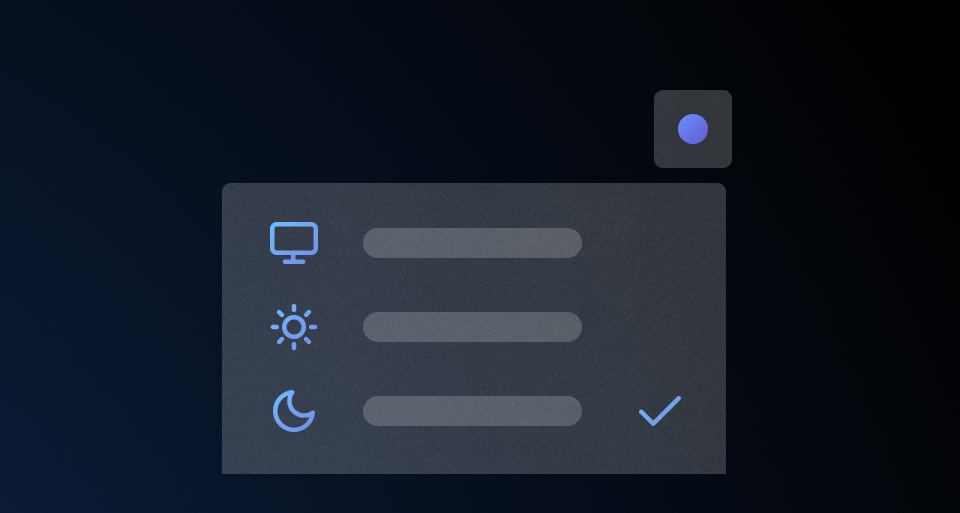
- Theming support (including dark mode) is now available.
What this means for our consumers
Your day-to-day workflow remains largely unchanged:
- Helios is still the official design system for HashiCorp products built with Ember.
- The Helios documentation website, Figma UI Kits, and
npmpackages remain our source of truth. - Support channels and processes stay the same.
- Component APIs do not change, so your product code should not break.
We continue to support and maintain HDS, prioritizing bug fixes and critical updates.
What changes for designers
Product Designers currently using HDS will see minimal impact on day-to-day workflows, but keep a few key updates in mind:
- Update your files to the latest release of HDS Components v2.0 library to work with modes.
- Five modes are available for designing and testing: 1 legacy HDS mode (default) and 4 themed Carbon modes.
- Avoid using the Carbon Figma libraries directly, as an Ember counterpart does not exist.
- Detached or custom components require manual conversion to themed tokens (we can help with this).
- Once your product migrates to v7.0 and uses the Carbon themes, create new design work in the appropriate Carbon mode and test it in both light and dark themes.
See the Carbonization for designers migration guide for details.
What changes for engineers
The three biggest changes at code level introduced with the "carbonization" of the design system are:
- support for multiple themes for the HDS foundations and components ("classic" HDS + IBM Carbon "light/dark")
- a new nomenclature for the HDS design tokens (from
--tokento--hds, plus a reorganization of the names themselves) - asynchronous and theme-aware icon loading (no more upfront injection of an SVG sprite)
These changes impact only the visual styling of the HDS components: their APIs and interaction behavior remain unchanged.
That said, because these updates to the tokens introduce breaking changes, the HDS packages have been released as new major versions, and this requires specific migration steps.
After migrating, developers will need to start testing their application across the different themes to catch theme-specific issues.
For more details, see Carbonization for engineers.
FAQ
Why not adopt Carbon directly?
Most HashiCorp products use Ember.js, which Carbon does not support (Carbon only provides React and Web Components). We explored bringing Carbon's Web Components into our Ember codebases, but encountered fundamental architectural incompatibilities with Ember's routing, data flow, rendering, and lifecycle models.
Will HDS be deprecated?
No. We are transitioning to a local system model where Helios remains the official implementation for HashiCorp products while aligning visually and semantically with Carbon.
Can I still submit feature requests and bug fixes?
Absolutely. Send requests to the HDS team for triage. While we focus on the Carbon migration, we may prioritize fewer new features, but we will continue to prioritize bug fixes.
Get in touch
Contact us on Slack at #proj-hds-carbon or visit the support page for other ways to get in touch with us.